Create a stunning digital invitation yourself in minutes, or let our professional designer craft a bespoke concept tailored entirely to your event.


What are you celebrating?
All Occasions
Wedding
Birthday
Corporate
Private
How it works
Two Ways to Create Your Invitation
Whether you want total creative control or a completely hands-off experience, we have you covered.
Create It Yourself
Choose a ready-made template, add your event details, upload your photos, and publish your digital invitation in under 5 minutes. No design skills required.
Simple Process:
1. Choose → 2. Customise → 3. Preview →
 4. Approval → 5. Share
Let Our Designer Create It
You bring the idea. We bring it to life. Tell us your event theme, preferred colors, and requirements. Our Bruneian design team will create a custom digital invitation for you.
- 100% Unique custom visual layout
- Dedicated Bruneian graphic designer
- Direct WhatsApp communication & fast turnarounds
Curated Collection
Find a Style You Love
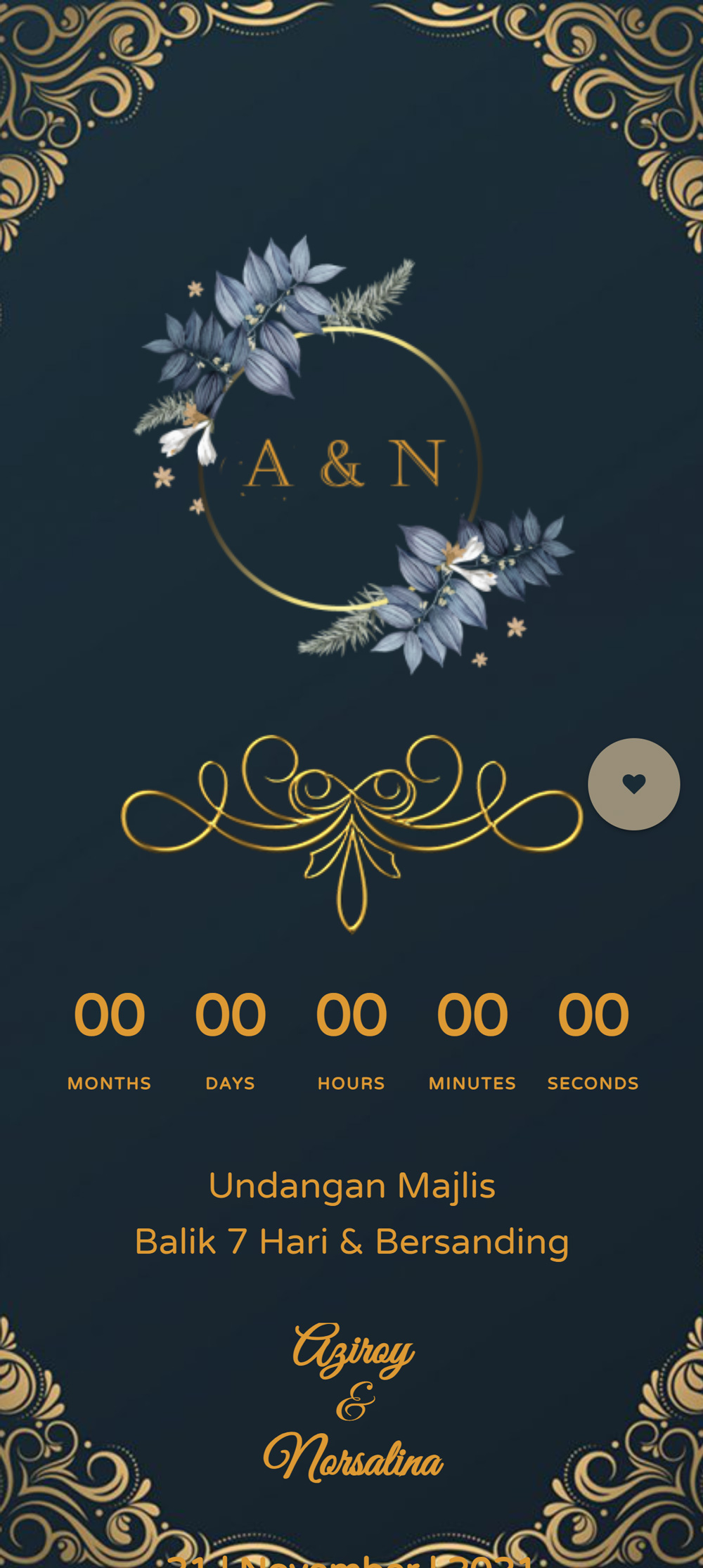
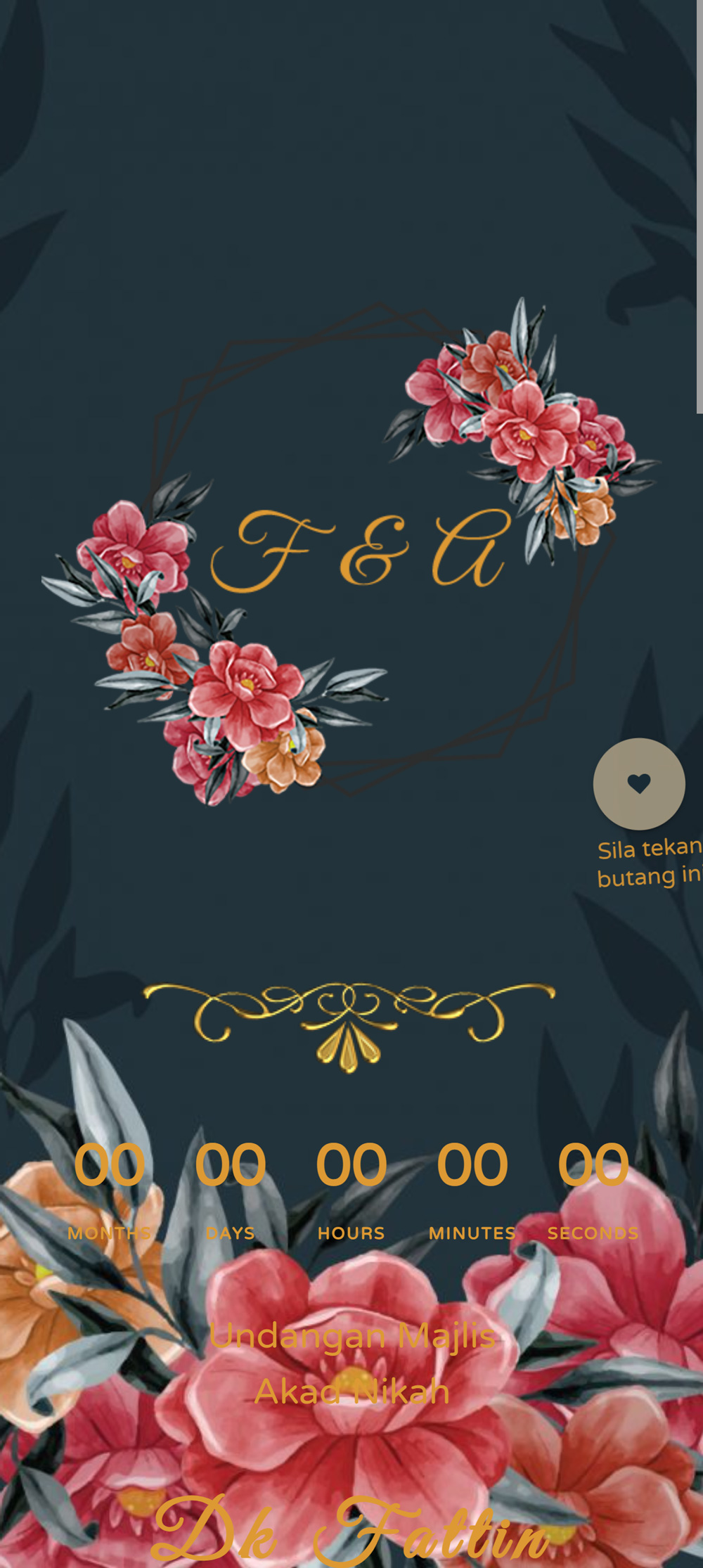
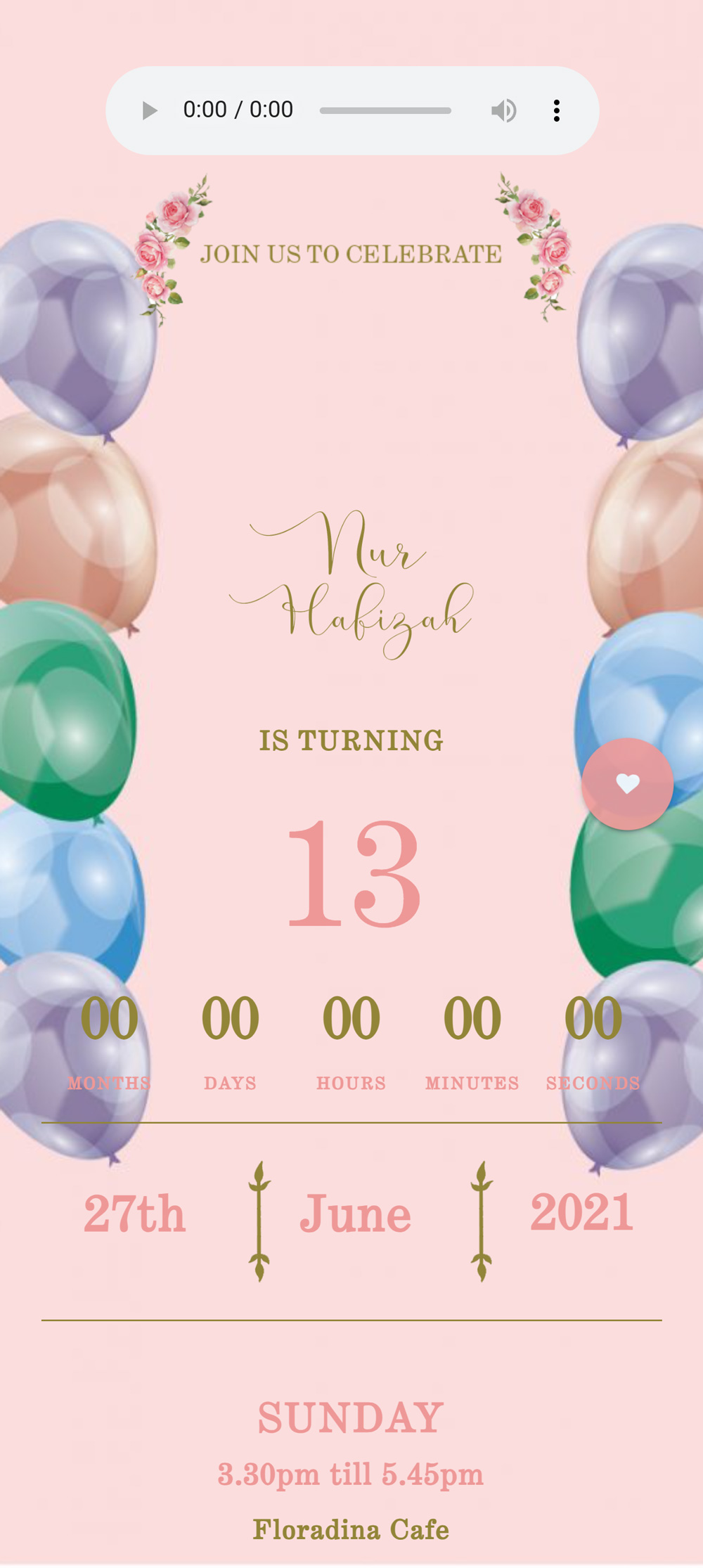
From timeless classic elegance to vibrant contemporary celebrations, pick a template designed for your event.
Premium
Wedding
BND 10
Elegant
Wedding
BND 10
Event
Private Event
BND 10
Birthday Party
Birthday
BND 10
Birthday Party
Birthday
BND 10
Premium
Wedding
BND 10
Got Questions?
Frequently Asked Questions
What is a digital invitation?
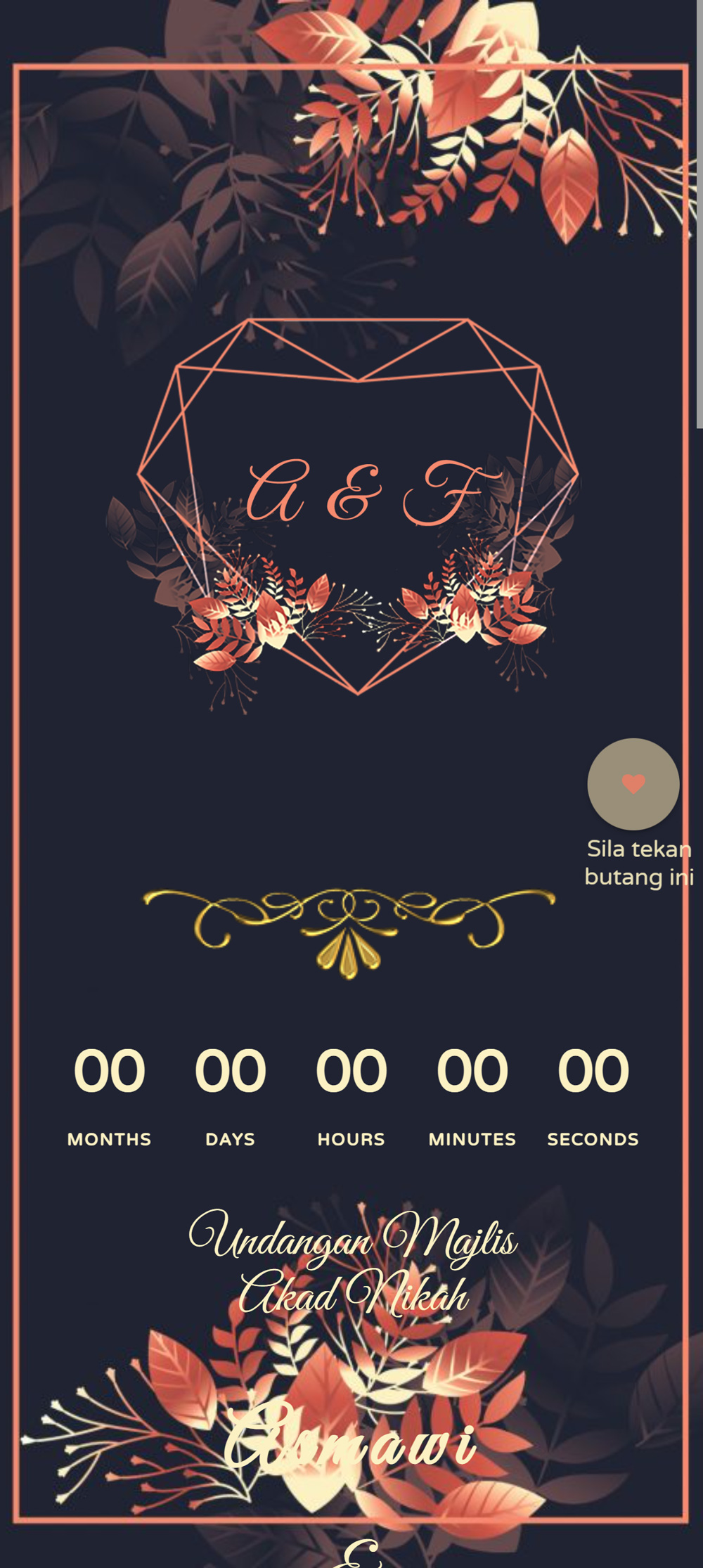
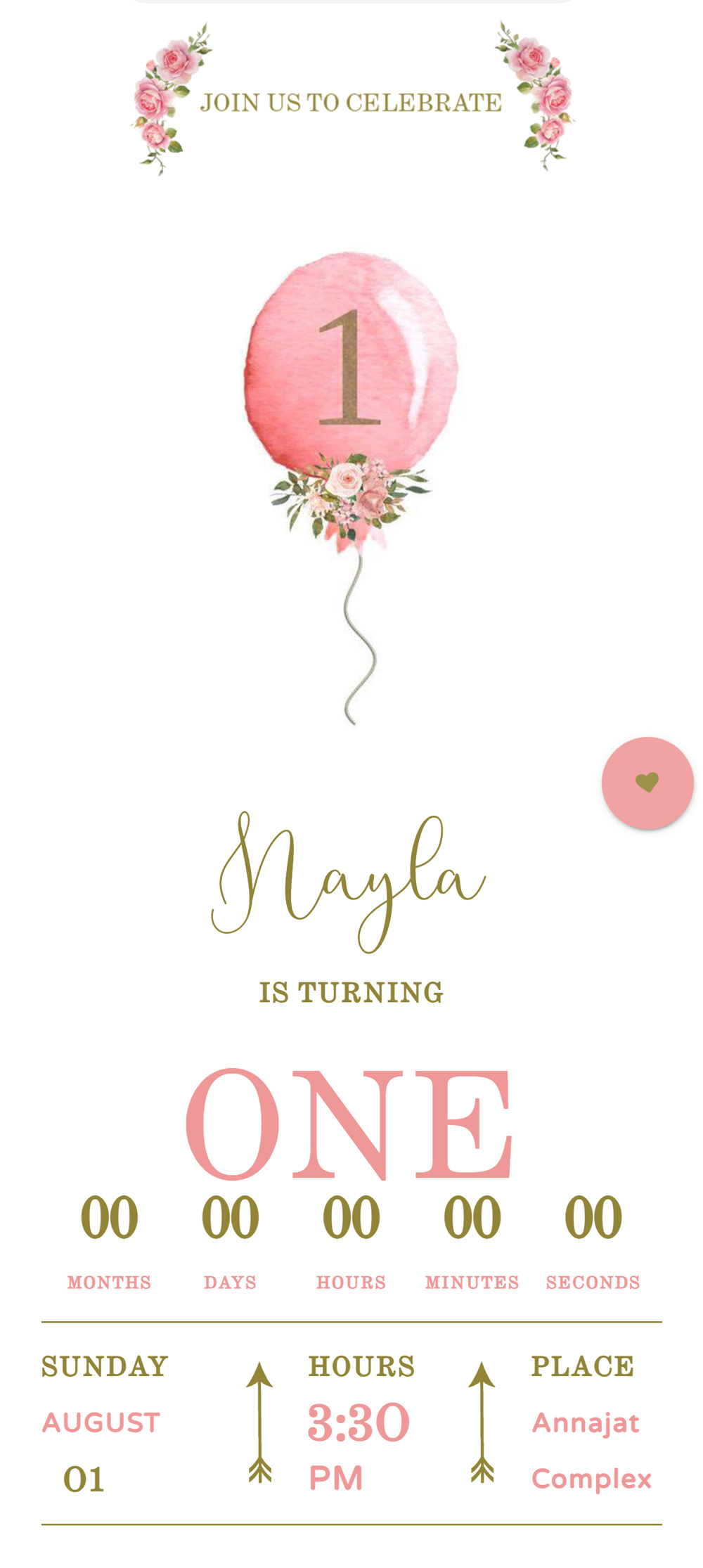
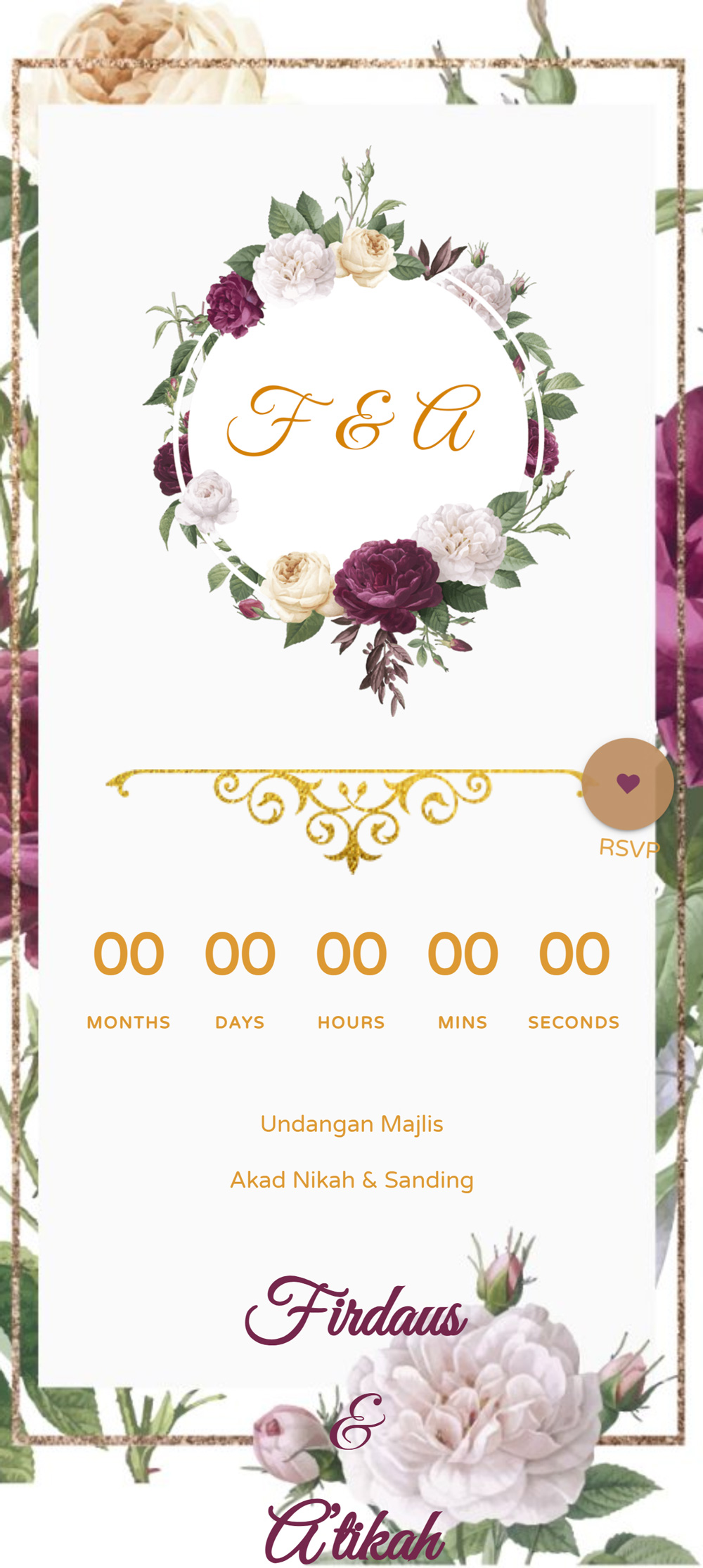
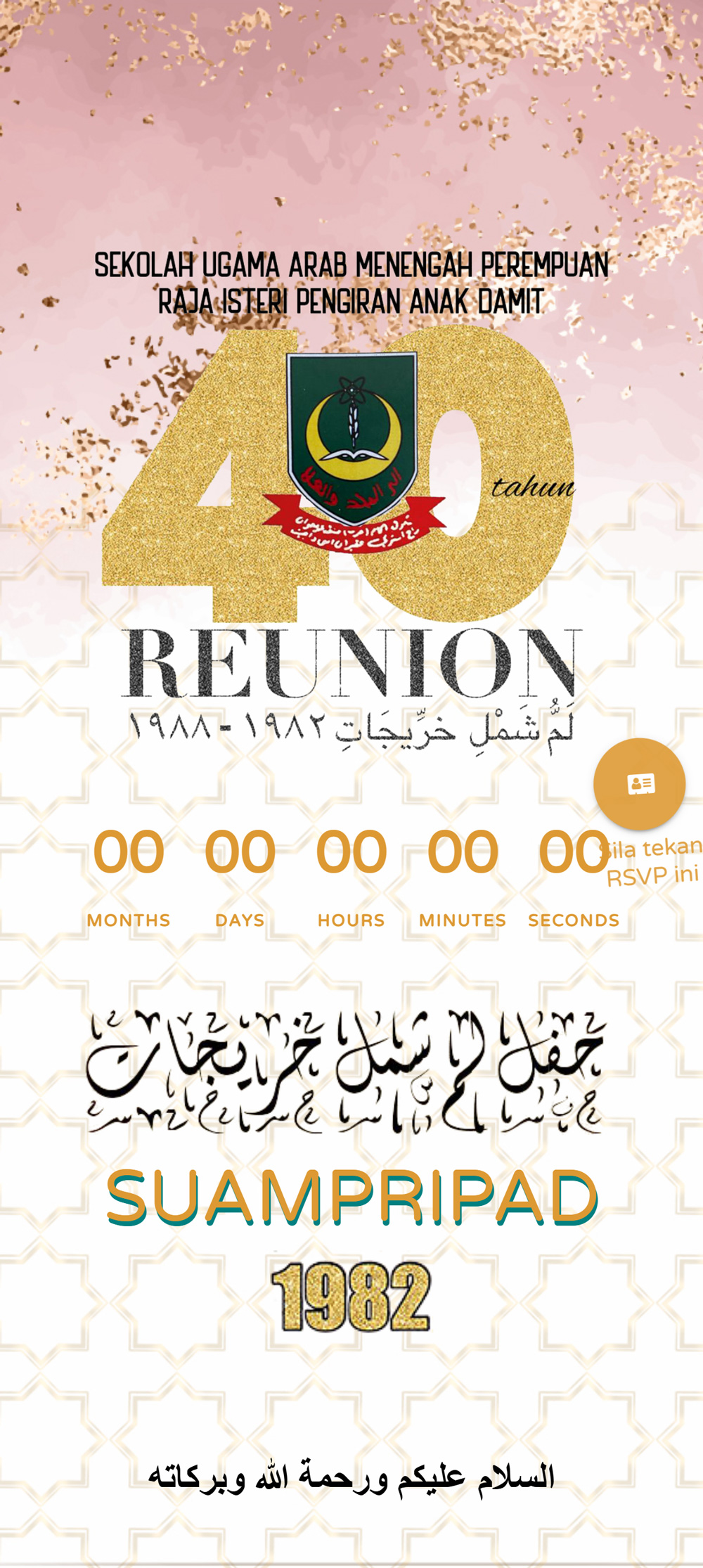
A digital invitation is a mobile-friendly web page containing all your event information, event schedule, Google Maps location, photo gallery, RSVP response form, and optional background music.
Can I create my own invitation without design experience?
Yes! Our self-service template editor requires zero design skills. Simply choose a template, type in your event details, and publish.
How do I request a custom design?
Click “Request a Custom Design” or contact our design team on WhatsApp. Share your event details, theme ideas, and preferred colors, and we’ll craft a custom layout for you.
Can I share my invitation through WhatsApp?
Absolutely. Once published, you receive a unique website link that can be pasted directly into WhatsApp messages, group chats, or social media bios.
Can I edit my invitation details after publishing?
Yes, you can edit your event time, venue location, or wording anytime from your account dashboard. Changes update instantly on your live link.Â
Your invitation includes 10 revisions. Each individual change, such as updating the event time, changing the venue, or editing the wording, counts as 1 revision.
Your Event Deserves an Invitation Worth Sharing.
We’d love to hear from you. Reach out anytime!
- hi@invitesbn.com